
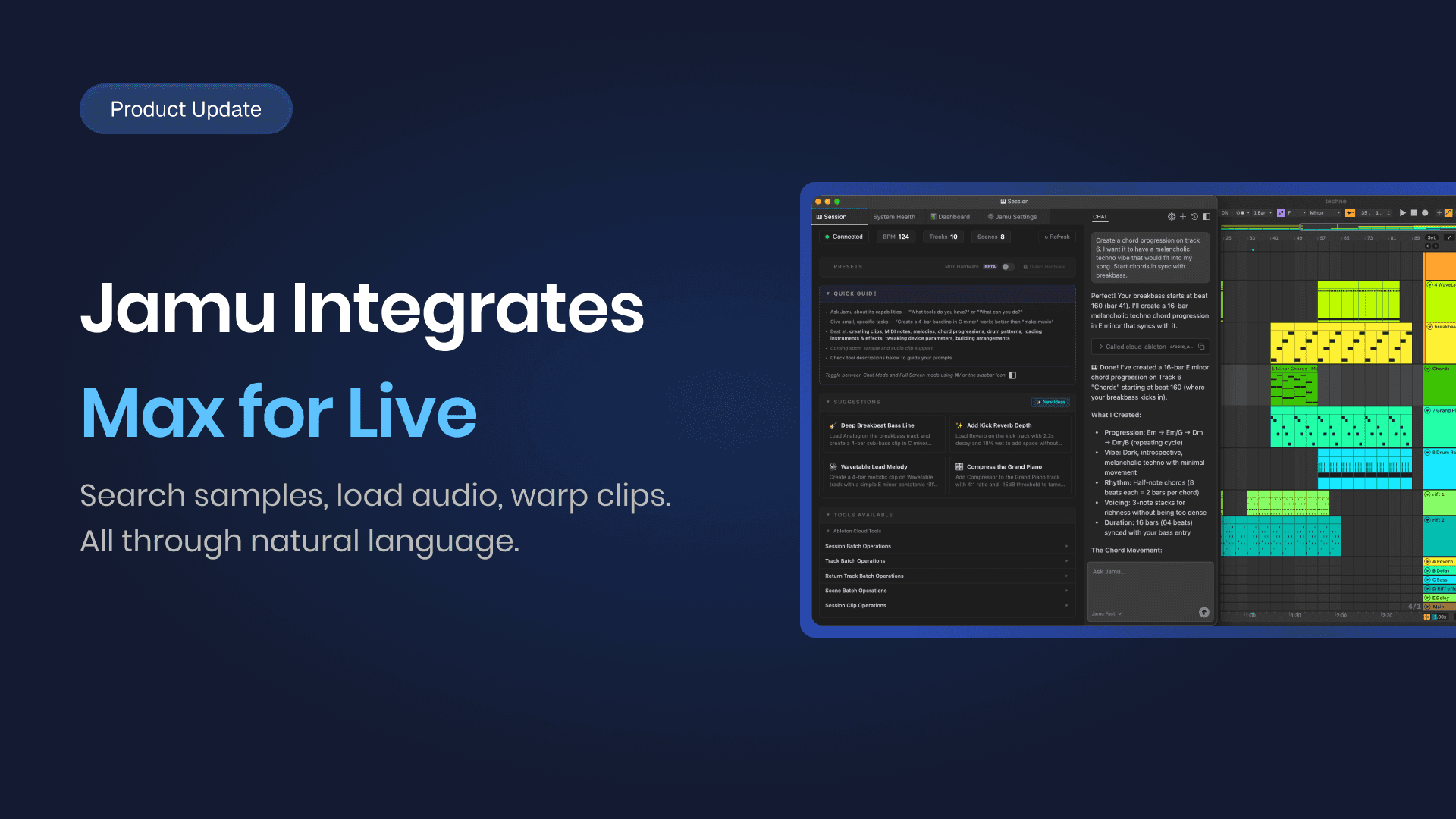

With the new Max for Live integration, Jamu can search your full sample library, load audio onto tracks, manipulate clips, and work with take lanes. All through natural language.
The idea behind it
Jamu is a production environment built around creative intent. The goal has always been to close the distance between what you want to make and the tools that execute it.
Sample search, clip loading, warping, comping: these are core parts of how producers work. Keeping them outside the natural language interface meant keeping friction in the workflow.
Audio is now part of the same environment as everything else. You shape the idea. Jamu handles the execution.
What's new
Search your entire sample library
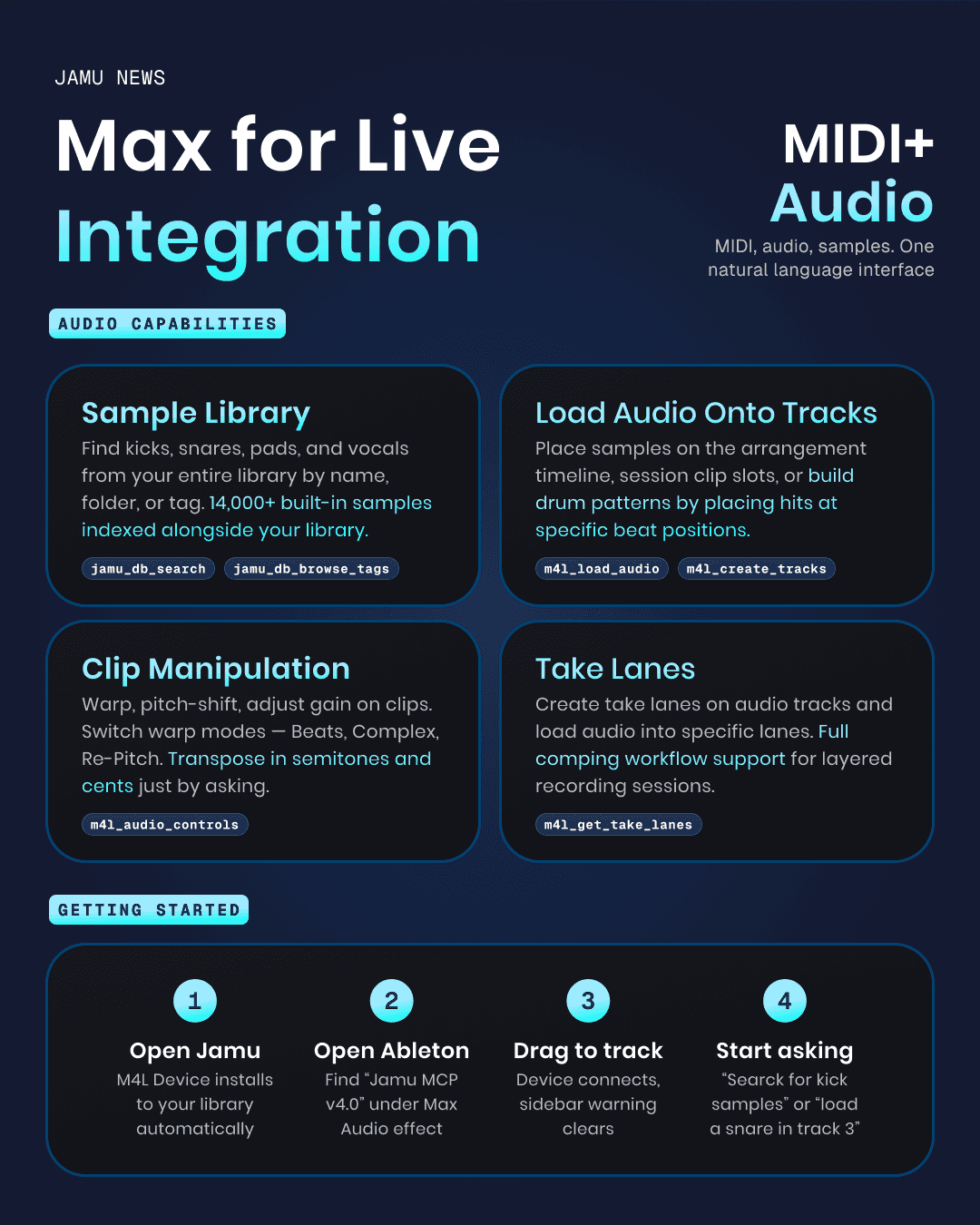
Jamu indexes your full Ableton sample library: 14,000+ built-in sounds plus everything in your library. Search by name, folder, or tag. Ask for a punchy kick, browse the Drums folder, filter by metadata. The library is accessible without leaving the conversation.
Load audio onto tracks
Place samples on the arrangement timeline, drop them into session clip slots, or build drum patterns by placing hits at specific beat positions. You can batch-load the same sample across multiple positions at once.
Manipulate audio clips
Warp, pitch-shift, and adjust gain through simple requests. Switch between warp modes (Beats, Complex, Re-Pitch) or turn warping off entirely. Transpose in semitones and cents. Set clip gain.
Work with take lanes
Create take lanes on audio tracks and load audio into specific lanes. Layer recordings, manage lanes, and build takes through the same natural language interface as everything else.
How it works
The Max for Live integration ships as a device called Jamu MCP v4.0, which lives in your Ableton User Library. On first launch, it installs automatically. No file copying, no settings to configure.
Open Ableton and find Jamu MCP v4.0 under Max Audio Effect in your browser
Drag the device onto any track, it doesn't matter which one
The Jamu sidebar confirms connection once the device is active
If the device is missing, System Health shows an install button to get it set up
The device can sit on any track. It just needs to be present in the session.
What is Jamu
Jamu is your AI-powered co-producer for Ableton Live. It reads your session the way a collaborator would: arrangement, routing, mix balance, all of it. Then it helps you move. Whether you're responding to label feedback, fixing a mix that isn't clicking, or just trying to get unstuck, Jamu gives you a clear path forward without taking the wheel. Your ears, your decisions, your music. Jamu just makes the process faster. Available now for Ableton Live.


