
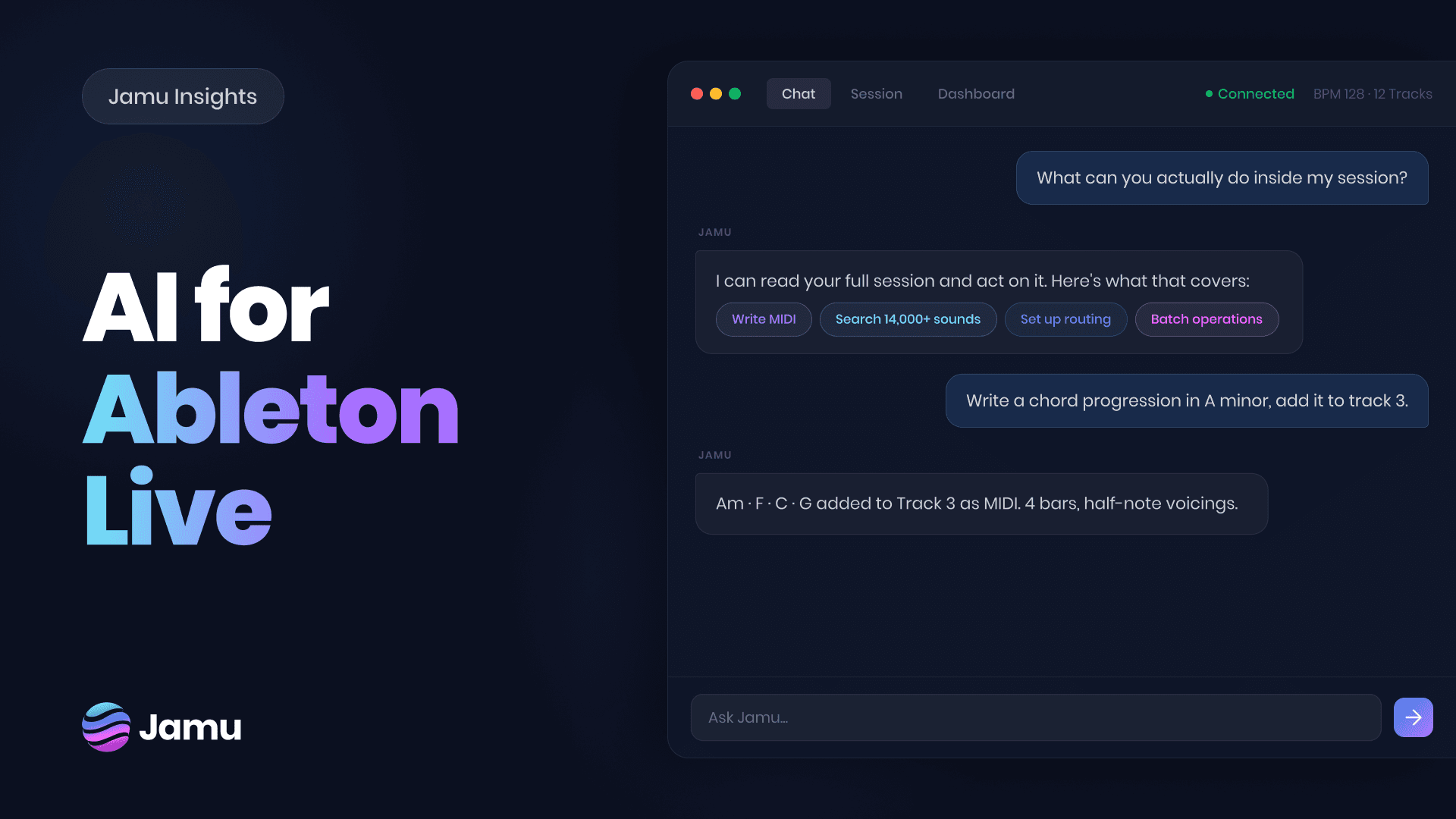

There's a version of AI in music that takes over. It picks the chords, writes the melody, produces the track. You listen to the result and figure out if you like it. That's not what this guide is about. This is about AI that works inside your Ableton session. Tools that close the distance between what you want and what's in your project, without taking the wheel.
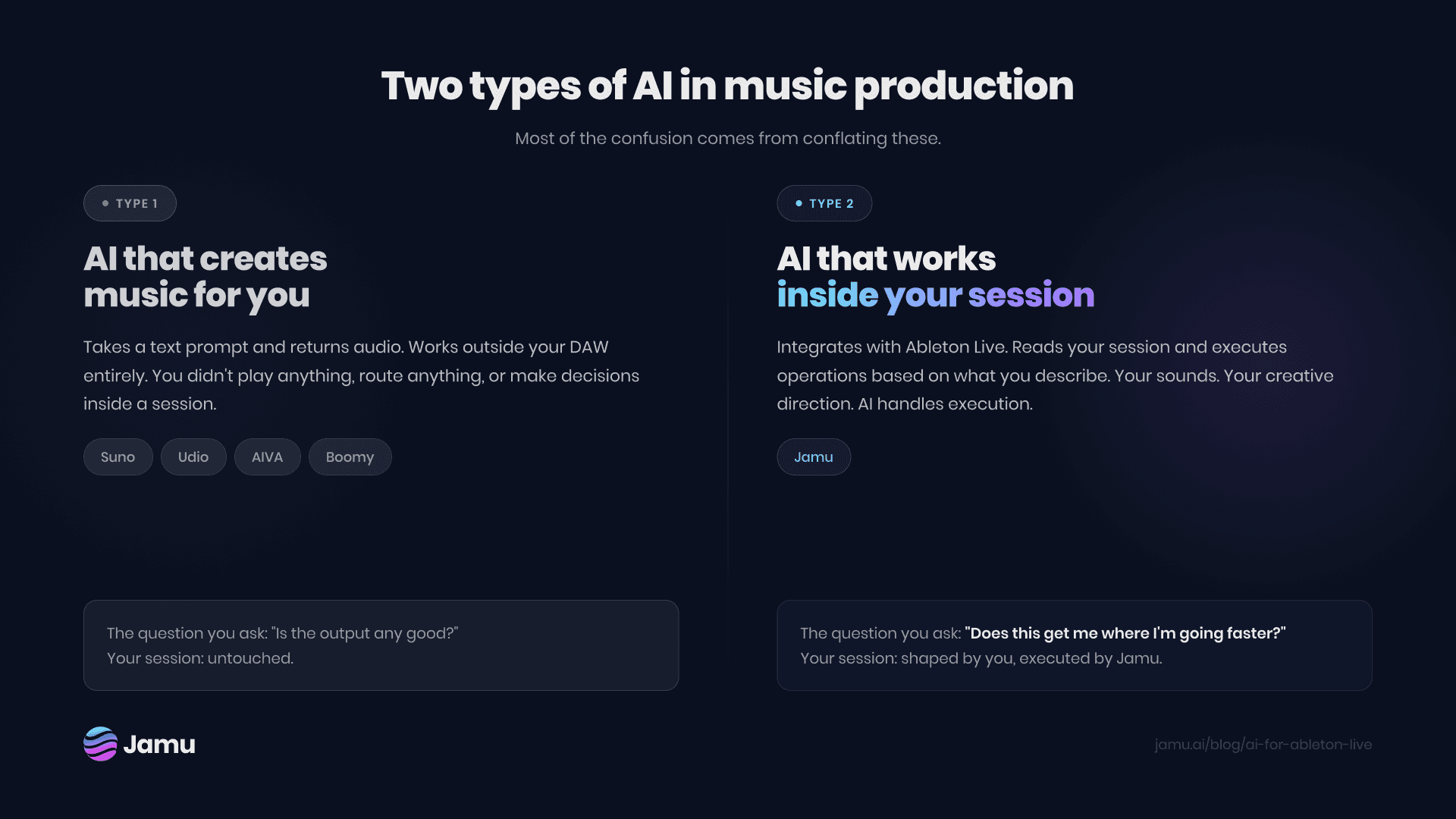
The two types of AI in music production
Most of the noise around AI in music conflates two things that work very differently.
AI that generates music. Tools like Suno, Udio, and AIVA take a text prompt and return audio. The output is fully AI-created. You didn't play anything, route anything, or make decisions inside a session. These tools exist outside your DAW entirely.
AI that works inside your DAW. A newer category. These tools integrate with Ableton Live and execute operations inside your session based on what you describe. Your sounds. Your session. Your creative direction. The AI handles execution.
The second category is what this guide covers. The distinction matters because the questions are different. Not "is the output any good?" but "does this get me where I'm going faster?"
What AI can actually do inside Ableton Live
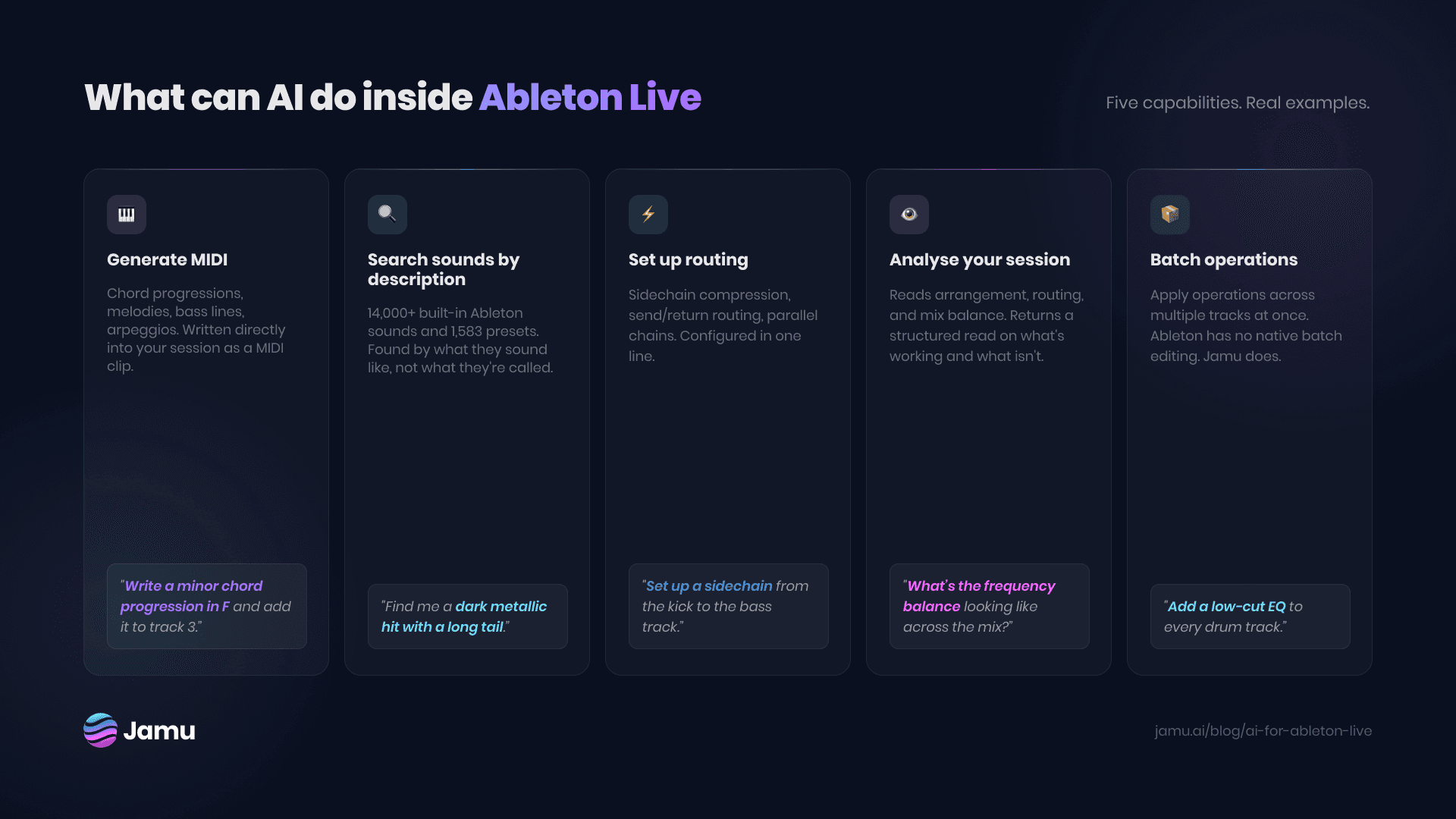
Generate MIDI
Describe what you want: a chord progression in A minor, a walking bass line, a syncopated hi-hat pattern. The tool writes it as a MIDI clip directly in your session.
Not random. Responsive. "Write a minor chord progression in F and add it to the MIDI clip on track 3" is the level of specificity that produces usable results. The artist decides what sounds right. The tool handles the writing.
Search samples and presets by description
Ableton's search is file-name-based. If you saved a sample as `kick_final_v3.wav`, that's what you search for. There's no way to search by sound.
AI-powered search changes this. You describe what you're looking for: "a dark, metallic percussion hit with a long tail." The tool finds matches across your library. Across 14,000+ built-in Ableton sounds, 1,583 instrument presets, and your own files.
For producers with large libraries, this removes one of the most reliable ways to lose the thread of an idea.
Set up routing and signal chains
Sidechain compression, send/return routing, parallel processing. Every session needs these. Every session requires the same repetitive steps to configure them.
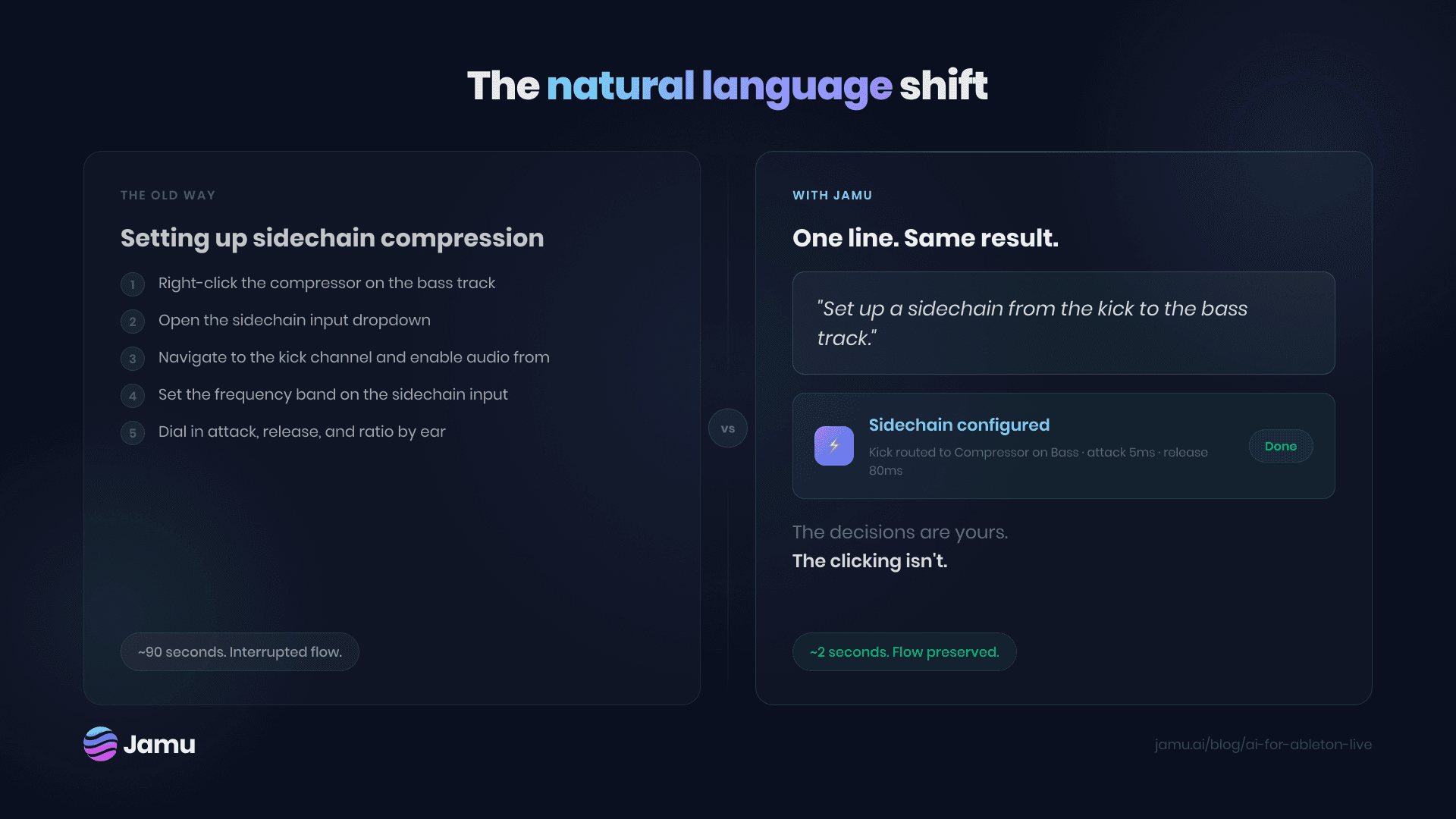
"Set up a sidechain from the kick to the bass" is one line. "Add a reverb send to the drum bus" is one line. The decisions are yours. The clicking isn't.
Analyse your session
Some tools can read your entire Ableton session: tracks, routing, levels, arrangement. They return a structured read on what's working and what isn't. Frequency masking between tracks. Arrangement imbalances. Tracks clipping before the master.
This is most useful under pressure. Acting on label feedback. Fixing a mix that isn't clicking. Picking up a session you left three weeks ago.
Run batch operations
Ableton has no native batch editing. Applying the same plugin to 12 tracks means doing it 12 times.
"Add a low-cut EQ to every drum track." "Set all synth tracks to -6dB." One line each. The session updates. This kind of operation: repetitive, predictable, technically simple. Exactly where a tool should be doing the work.
What AI tools for Ableton can't do
They can't make creative decisions for you. If you don't know what you want, the tool can't figure it out. These tools execute intent. They don't replace it.
They're only as good as your instructions. Vague instructions produce vague results. "Make this better" doesn't work. "Bring the hi-hats forward and add a subtle reverb send to the snare" does.
They don't fix a session that isn't working. They can show you what's wrong. The fix is still yours.
They require Ableton to be running. These are session-integrated tools. Your project needs to be open.
How to evaluate an AI tool for Ableton
Session awareness vs command execution. Some tools execute commands without reading your session. Fast but blind. They don't know what tracks you have, how they're routed, or what the balance looks like. Tools that read your session first give contextually relevant responses and avoid obvious errors.
Natural language vs command syntax. Some tools use a macro syntax. You learn their command language and execute it precisely. Natural language tools understand plain English. Lower entry point, more flexible for open-ended tasks.
Integration depth. Does the tool handle transport control and basic clip launching, or does it go deep: MIDI, routing, device parameters, batch operations across the session? The deeper the integration, the more useful it is mid-session.
Pricing model. Most tools use subscription or token-based pricing. Know what the free tier covers before you build a workflow around something.
The natural language shift
Keyboard shortcuts are fast when you know exactly what you want and exactly how to invoke it. The shortcut for sidechaining in Ableton isn't a shortcut. It's a sequence of clicks. The shortcut doesn't exist.
Natural language removes the translation layer between intent and action. You describe what you want. The execution happens. Two things change in practice.
The cost of trying ideas drops. When acting on an impulse takes two seconds instead of thirty, you act on more of them. Some are wrong. Some are the track.
Context switches get shorter. Navigation pulls you out of the creative layer. The idea you were chasing can slip in the time it takes to find the right menu. Staying in language keeps you closer to the music.
For producers who've worked inside Ableton for years, the muscle memory for navigating the interface is real. So is the cost.
Jamu for Ableton Live
Jamu is your AI-powered co-producer for Ableton Live. It reads your session the way a collaborator would: arrangement, routing, mix balance, all of it. Then it helps you move. Whether you're responding to label feedback, fixing a mix that isn't clicking, or just trying to get unstuck, Jamu gives you a clear path forward without taking the wheel. Your ears, your decisions, your music. Jamu just makes the process faster.
Jamu now available for Ableton Live. Try Jamu Today.


