

Three names matter in AI music generation right now: Suno, Udio, and Jamu Jams. Suno got there first and became the default answer to "have you tried the AI song thing yet." Udio arrived close behind with a more art-directed prompting style and built a real following of its own. Jamu Jams generates, edits, and remixes the same way the other two do, with one structural difference: no credit meter running in the background while you work. Here's what each one actually gets you.
Most comparisons of AI music tools focus on which one sounds best on the first try. That’s a reasonable place to start, and by 2026 the honest answer is that all of the major tools produce good first drafts.
Industry estimates put the number of generation attempts behind a single finished track at somewhere between 20 and 100 or more, once you count lyric rewrites, style variations, and tonal adjustments. That number, not the quality of the first output, is what determines whether a tool fits how you actually work.
Here’s how Suno, Udio, and Jamu Jams compare as of August 2026.
At a glance
Suno | Udio | Jamu Jams | |
|---|---|---|---|
Voice mode | No | No | Yes |
Edit a section | Song Editor (paid) | Inpainting | Edit Section |
Remix / restyle | Cover, Remix, Extend | Yes | Remix |
Stem separation | Up to 12 stems (paid) | Yes | Vocal / instrumental split |
Multitrack timeline | Suno Studio (Premier plan) | No | Yes |
MIDI export | Yes, via Studio | No | No |
Train on your own music | Custom Models (Pro, Premier) | No | Style Models (Producer plan) |
Download your tracks | Yes | Disabled as of July 2026 | Yes |
How generation is limited | Monthly credits | Monthly credits | Rate limit per minute, no monthly cap on paid plans |
Entry price | Free, Pro $10, Premier $30 | Free, Standard $10 | Free, paid tiers available |
Suno: the market leader
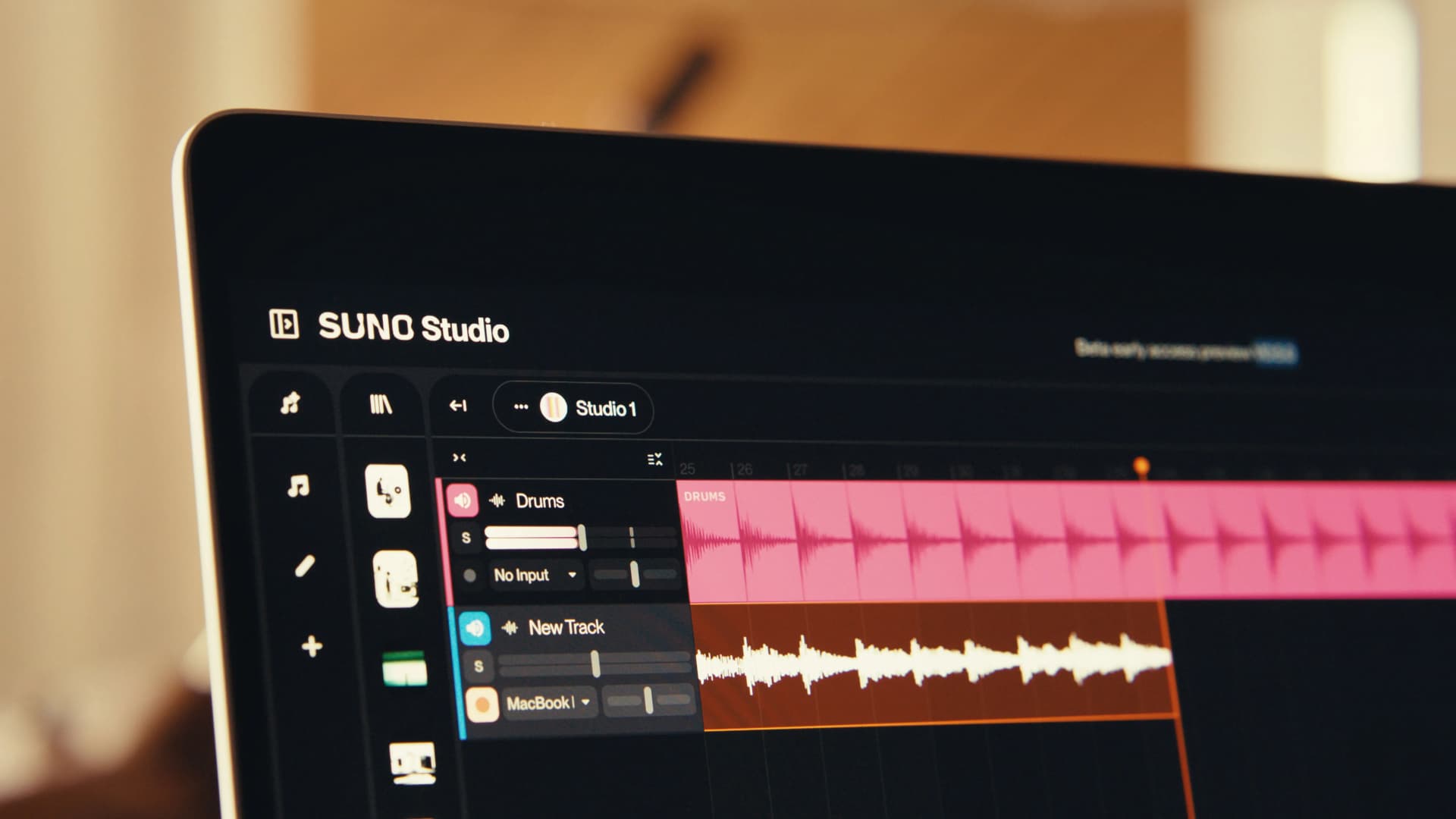
Suno's position at the top of this category isn't an accident. It got there first, at scale, and it has spent the last year building out a browser-based production surface that goes well beyond "type a prompt, get a song." Their Song Editor now lets you reorder, rewrite, and regenerate a track section by section, working directly from the waveform, so a bad second verse doesn't mean starting over. Paid plans include stem seperation of a track up to 12 stems: vocals, drums, bass, guitar, piano, and more. Suno Studio, which launched in September 2025, wraps all of that into a proper browser workstation: a multitrack timeline, EQ, warp markers, and exports as both time-aligned WAV and MIDI. Pro and Premier subscribers are also able to fine-tune the model on their own catalog.
Being the biggest name in the category is how Suno got the resources to build it. It's also why using all of it isn't cheap. Most of what's described above sits behind paid subscriptions, and the top of that stack, Suno Studio, requires Premier at $30 a month. Even the base Pro plan at $10 a month runs on a monthly credit allowance: 2,500 credits, roughly five per generation, which works out to about 500 generations before the credits run out. Given that a finished track typically takes somewhere between 20 and 100 attempts and once you count lyric rewrites and style variations, that 500-generation pool is really five to twenty completed songs in a month. Being the market leader means Suno can build the deepest feature set in the category. It also means Suno is the one charging you for every attempt along the way.
Udio: strong product, rough year
Udio built its name on style-tag prompting, which gives finer pre-generation control over genre, mood, instrumentation, and vocal character than a plain text prompt does. Its editing feature, inpainting, lets you select a section of a track and regenerate just that part while the rest holds still, which is a genuinely useful way to a part that came out wrong without having to redo anything else.
Then came October 2025. Udio announced a partnership with Universal Music Group that ended UMG's copyright litigation against the company, which was good news for Udio's legal standing and bad news for everyone already using the platform. Almost immediately after the announcement, Udio disabled downloads of audio, video, and stems for all users, including people who were paying for the service. After a wave of user backlash, the company opened a 48-hour window in early November 2025 so people could grab their existing tracks before the door closed. As of July 2026, Udio's downloads are still disabled, with exports "expected to return" once the licensed platform launches, no date given.
While Udio's product and feature set is strong. Whether you can actually take what you make with it and use it somewhere else is, as of this writing, is not up to you.

Jamu Jams: built for experimentation
Jamu Jams generates full tracks the same way Suno and Udio does, from a description of what you want. The primary way to give that description is by talking instead of typing. A spoken prompt naturally carries more context than a typed line does which results in better and more accurate results especially considering that Jamu Jams builds that into a fuller prompt before it generates. You can still type if that's what you'd prefer to do.
It also does what both of the others do after that first generation. Edit Section replaces one part of a track and leaves the rest exactly as it was, the same as Suno's Song Editor and Udio's inpainting handle. Remix reshapes a generation's style while keeping its structure intact. Vocal extraction splits a track into vocals and instrumental. Style Models let you train on one of your own collections so future generations carry your sound forward.
Where it actually stands apart is how generation is priced. Paid plans aren't metered by monthly credit. They're limited by how fast you can generate, not how much. There's no credit anxiety ticking down in the corner of the screen. When the only limit is pace instead of budget, the 40th attempt at a chorus costs exactly the same as the first one, which changes how freely you're willing to try something and throw it away. (The free plan is capped at 20 generations a month to try out, so this applies to paid tiers specifically.)
There's also a feature with no equivalent in Suno or Udio at all: Jamu Jams shares a cloud library with Jamu for Live, a companion app that runs alongside Ableton Live if you have it. Generate something in the browser and it's available inside an Ableton session without exporting a file and reimporting it. Neither Suno nor Udio has an app that lives inside a DAW the way Jamu for Live does.
Add it up and Jamu Jams already covers most of what Suno's tools do, generation, section editing, remixing, vocal extraction, model training, without requiring a $30 tier to get there. Deeper stem separation and generating individual parts on their own are both on the roadmap. It's a jack of all trades built to stay affordable, with more landing soon.

Which one fits
Suno if you want the deepest production tools in the category and don't mind paying tier by tier for them. Premier at $30 a month is the only option here with a full mixing environment and MIDI export. Just budget for the credit ceiling on every plan below it.
Udio if the style-tag workflow and inpainting matter more to you than being able to get own and download your tracks out after.
Jamu Jams covers most of the same ground as Suno, generation, section editing, remixing, vocal extraction, model training, without the tier climbing or the credit anxiety. Iterate as much as you need on a paid plan and don't worry about the credits.
Frequently asked questions
What's the best reason to give Jamu Jams a try?
You can describe a track out loud instead of typing it, generate as many takes as you need on a paid plan without watching a credit balance, and if you're already using Jamu for Live, everything you make is one step from an Ableton session. No other tool in this comparison offers all three.
Does Jamu Jams limit how many songs I can generate?
The free plan is capped at 20 generations a month. Paid plans remove that cap entirely and are limited by pace, how fast you can generate, instead of a monthly credit balance.
Can I use my voice to generate a song in Jamu Jams?
Yes, and it's the primary way to prompt. A spoken description naturally carries more than typing usually does, tone, pacing, the feeling behind what you're asking for, and Jamu Jams builds that into a fuller prompt before it generates. Typing still works if you'd rather.
Can I edit a song after I've already generated it?
Yes. Edit Section replaces one part of a track, a verse or a chorus, and leaves the rest exactly as it was.
Can I remix a track I've already made?
Yes. Remix reshapes the style of a generation while keeping its structure intact, so the arrangement stays the same but the sound changes.
Can I train Jamu Jams on my own music?
Yes, through Style Models. You train a model from one of your own collections, and training is restricted to audio you actually own the rights to.
Does Jamu Jams work with Ableton Live?
Yes. It shares a cloud library with Jamu for Live, the companion app that runs inside Ableton Live, so anything you generate in the browser is available inside an Ableton session without exporting and reimporting a file.
Last updated: August 2026. Features and pricing in this category change frequently. Each tool's own documentation is the authoritative source.