
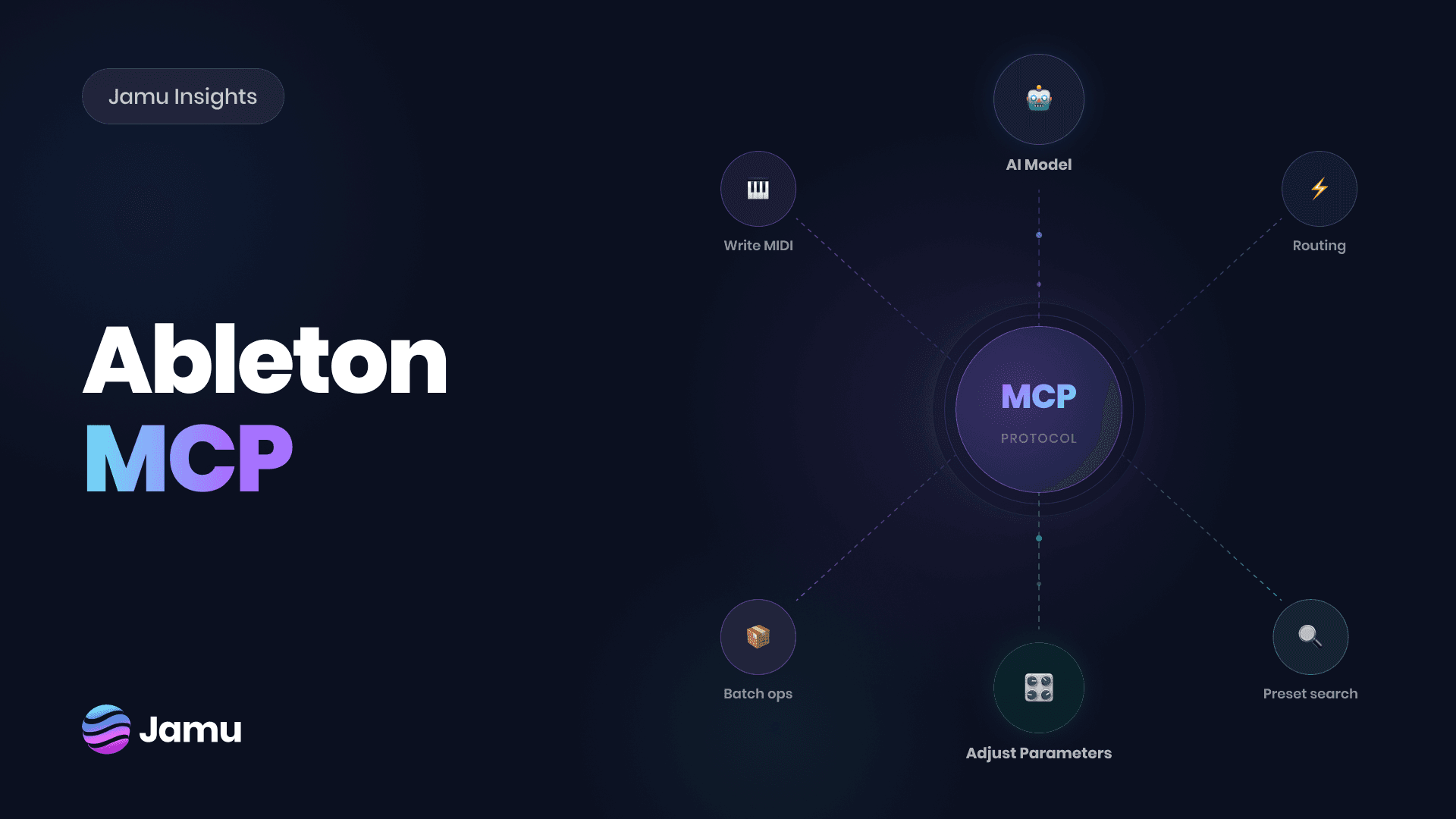

MCP has a direction. It's moving from developer tools toward creative ones. Code editors, design apps, writing environments. Each now has AI tools that directly act inside the environment you're already using. Music is next. For producers who've watched this happen across other tools, the question has shifted. Not "is this going to come to music?" but "what does it actually do inside a session?"
What is an MCP?
The model context protocol (MCP) is a standardized protocol that allows AI models like ChatGPT, Gemini and Claude connect to external tools like Slack, Google Drive or others.
For Ableton Live, that means an AI model connects to your active session, reads it, and takes actions inside it based on your prompts such as writing MIDI clips, loading devices or configuring routing.
The difference between other AI tools is that they exist outside your DAW. They generate audio, or give you suggestions that you need to drag back into Ableton yourself. With an MCP integration, it can do those things directly inside Ableton.
MCP inside Ableton Live
At the foundational level, an Ableton MCP integration gives an AI model access to the most basic commands via natural language. Set tempo, create tracks, load a device.
The tools and capabilities of the MCP itself depends entirely on the implementation. A basic MCP can handle only simple operations that are easy to integrate. A purpose-built MCP goes much deeper than that.
At the category level, an Ableton MCP gives an AI model access to Live's controls via natural language. The basics: fire transport, set tempo, create tracks, load a device, adjust a level. Commands that translate directly into session actions.
The depth of what's possible beyond that depends entirely on the implementation. A basic MCP integration handles simple operations. A purpose-built one goes much further.
What Jamu can do
Jamu is built specifically for Ableton Live. The integration depth reflects that. Here are some of the features that it can actually execute inside your session.
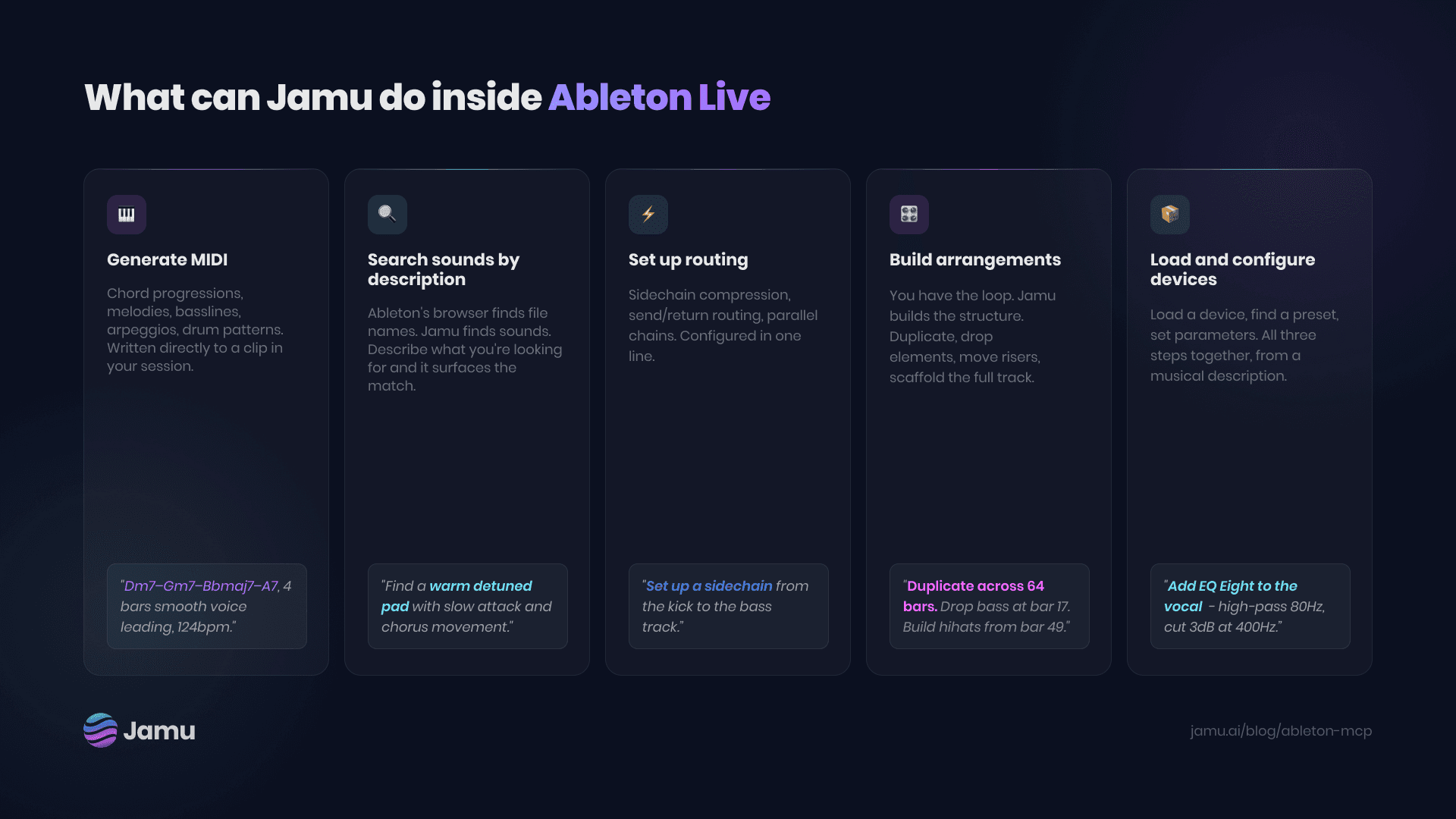
Write MIDI from description
Describe chord progressions, melodies, basslines, or arpeggios in plain language. Jamu writes theory-correct MIDI directly to your clip.
"Something moody and jazzy. 4 bars, half notes, smooth between the changes."
Sample Search
Search Ableton's full library of thousands of built-in sounds plus your own folders by name, mood, or tag. No preview clicking.
"A dark metallic percussion hit with a long tail." Jamu finds it.
Preset Search
Drift, Analog, Wavetable, Operator, Meld, plus every Ableton audio effect. Find and load the right sound from a description, not a list.
"A warm detuned pad with slow attack and chorus movement." Loaded.
Configure routing and signal chains
Describe the problem. Jamu sets the parameters. Muddy low mids, too much presence, sidechain routing. Describe the sound, Jamu picks the device and loads it.
"The vocal sounds muddy in the mids. Add some compression - glue it together, nothing heavy."
What Jamu isn't for
It's not a one-prompt song machine. Tools like Suno or Udio take a text prompt and return a finished track. Jamu is not intended to work like that, rather, Jamu always works alongside you as your personal co-producer. All the idea generation is yours, Jamu just helps you execute it.
It can't read your mind. Jamu’s output is only as good as the input prompt. Vague prompts will produce vague results. "Make this better" doesn't work. "Bring the hi-hats forward and add a subtle reverb send to the snare" does.
It's not a substitute for taste. Jamu can write a chord progression in a key you specify, set up routing you describe, and load a sound that matches your brief. What it can't do is tell you whether any of it is right for the track. That judgment is yours.
The DIY route
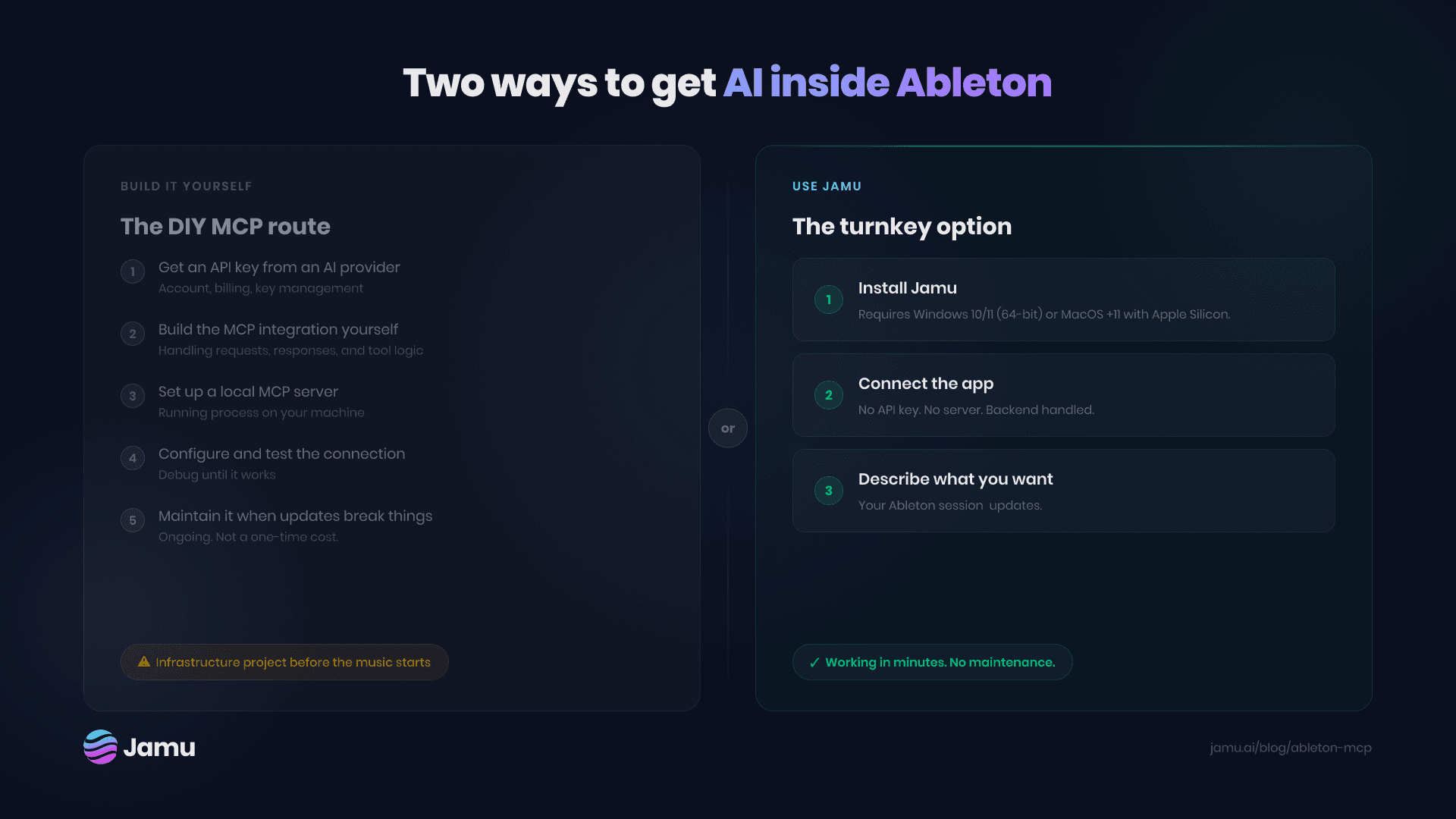
Open-source Ableton MCPs exist, but they’re far from simple to get started for the average user.
You need a developer API key from the selected LLM provider. You need an MCP server running locally. You need a bridge inside Ableton, that the server communicates with. At this point, you’re pretty much running your own infrastructure.
For developers, this is something that they’re used to doing. For producers, it’s a whole different paradigm that makes you think all of this needs a Bachelors in IT to accomplish.
The open-source MCP ecosystem is still early. Ableton-specific implementations are very rare. The maintenance burden is real, and you never know when the project can be left abandoned.
There's nothing wrong with the DIY route if that's how you prefer to do things. But the hidden cost is the effort and time it takes to set everything up and maintain it.
The turnkey option
Jamu is an Ableton MCP built as a finished product.
No accounts to manage. No API key. No local server. Install Jamu. Connect the app. Describe what you want. It’s your personal co-producer inside Ableton Live. Whether you're responding to label feedback, fixing a mix that isn’t clicking, or just trying to experiment with ideas - Jamu enables you to execute on your intent, helping you be focused on what you want to create rather than thinking about how to operate tools.
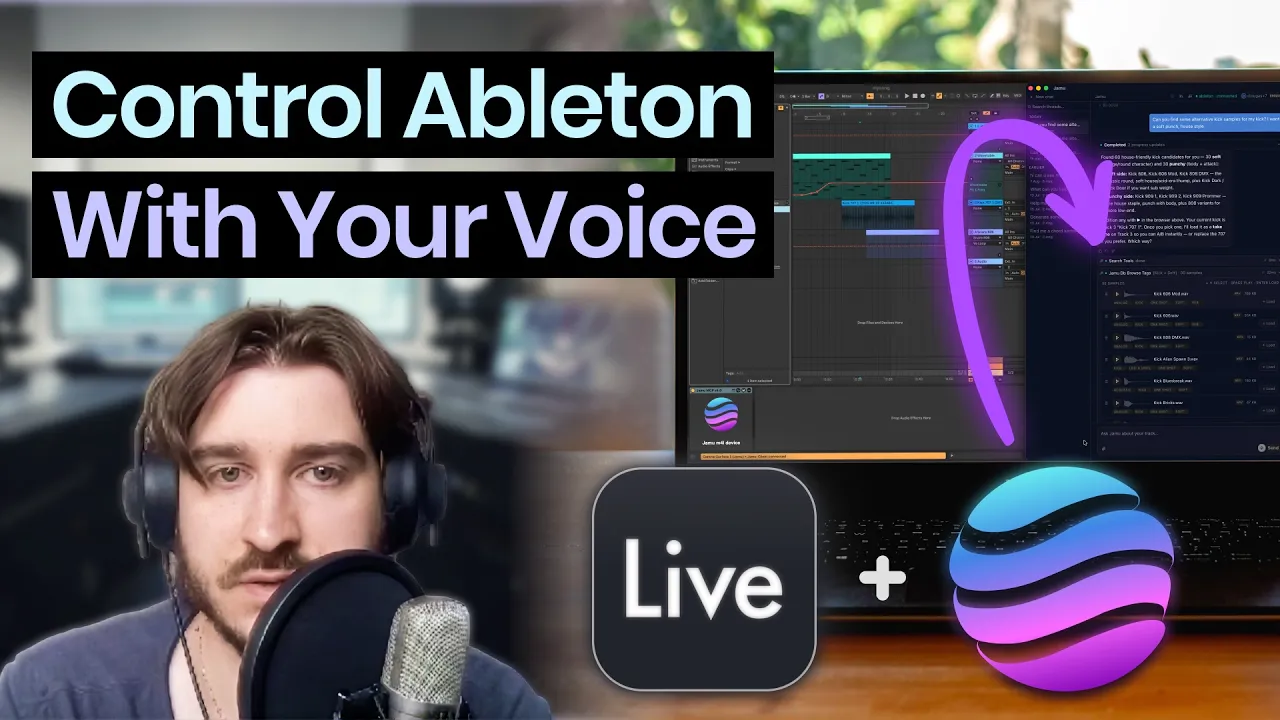
Installing Jamu takes minutes. This demo by producer Dominic walks through the process from installation to use-cases, giving you a few demos along the way. Find the YouTube video and download links below.

Download For Mac
Requires MacOS +11 with Apple Silicon

Download For Windows
Requires Windows 10/11 (64-bit)


